Free · No signup · Nothing uploaded
Audio converter
Change an audio file to the format you need, with control over quality, sample rate and channels.
Upload audio to convert
or drop a file here · MP3, WAV, M4A, OGG, FLAC or a video
Processed on your device. Nothing is uploaded.
Audio Converter: free, private and right in your browser
Change an audio file to the format you need, with control over quality, sample rate and channels.
- MP3, WAV, M4A (AAC) and OGG (Opus)
- 96 to 320 kbps quality
- 44.1 or 48 kHz sample rate
- Mono or stereo
- Private: converted on your device
How to use the audio converter
 REC 00:42Step 01
Choose your audio
Select an MP3, WAV, M4A, OGG, FLAC or video file.
 +6 dBStep 02
Pick the format
Choose MP3, WAV, M4A or OGG and the quality.
 MOV → MP4Step 03
Convert and download
Click convert and save the new file.
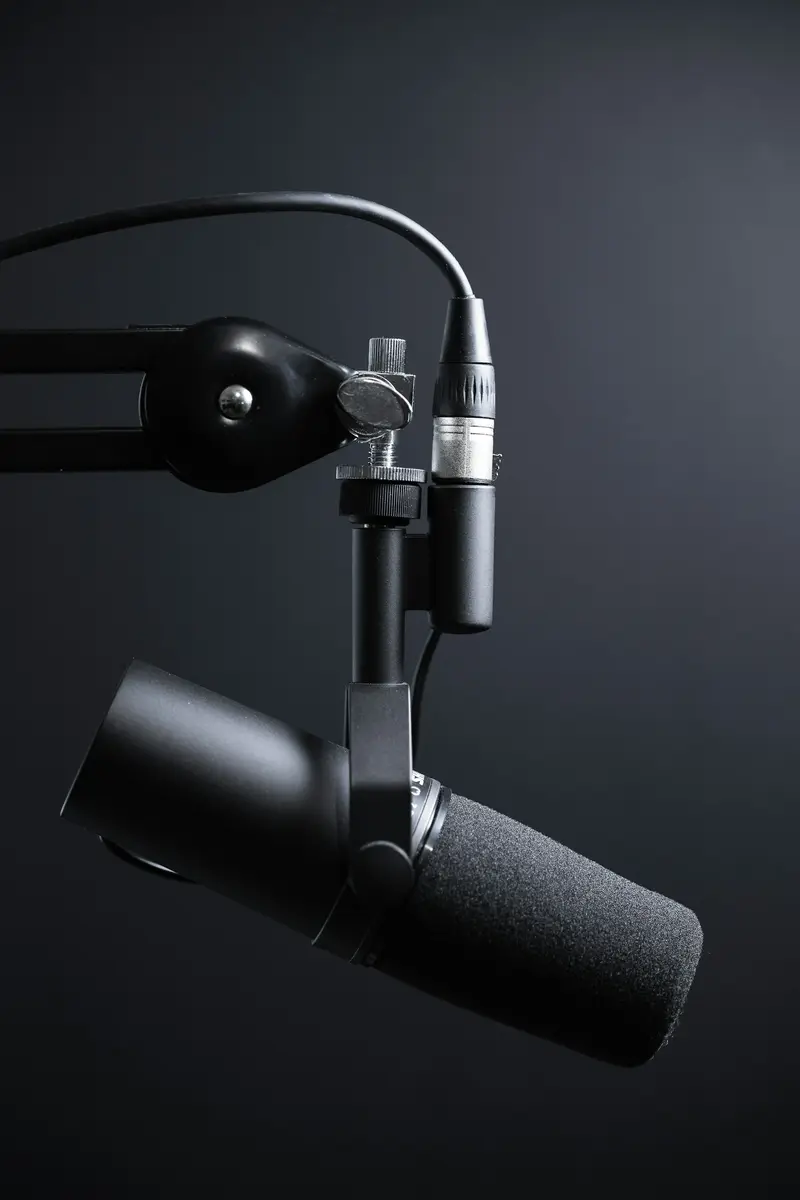
Make files play anywhere
Turn WAV or OGG into MP3 for old players and cars.
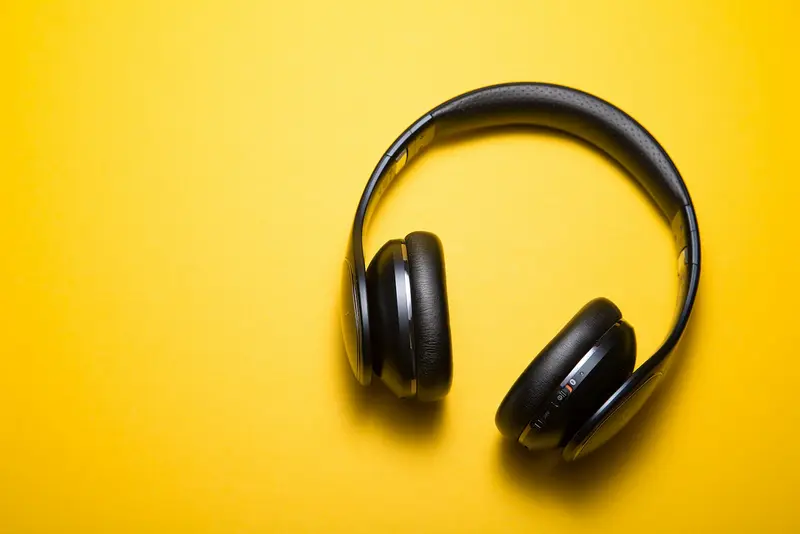
Save space
Shrink huge WAV recordings into small MP3s.

Prepare for editing
Convert compressed audio to WAV for audio editors.
Frequently asked questions
Are my files uploaded?
No. Everything happens in your browser using your own device. Your audio never leaves your computer or phone.
Which quality should I choose?
128 kbps is fine for speech, 192 kbps for most music, and 320 kbps for the best MP3 quality.
Does converting improve quality?
No. Converting can keep quality or reduce it, but it can't bring back detail that was lost before.
Can I convert FLAC?
Yes, if your browser can decode it (Chrome, Edge and Firefox can).
Tools