Free · No signup · Nothing uploaded
Online microphone recorder
Record sound from your built-in or USB microphone and download it in the format you need. No app and no signup.
Record audio from your microphone
Your browser will ask for permission. Nothing is recorded until you press record.
Recorded on your device. Nothing is uploaded.
Microphone Recorder: free, private and right in your browser
Record sound from your built-in or USB microphone and download it in the format you need. No app and no signup.
- Choose any connected microphone
- Live level meter
- Pause and resume
- Raw sound by default, ideal for music
- Save as MP3, WAV, M4A or OGG
How to use the microphone recorder
 REC 00:42Step 01
Start the microphone
Allow microphone access when your browser asks.
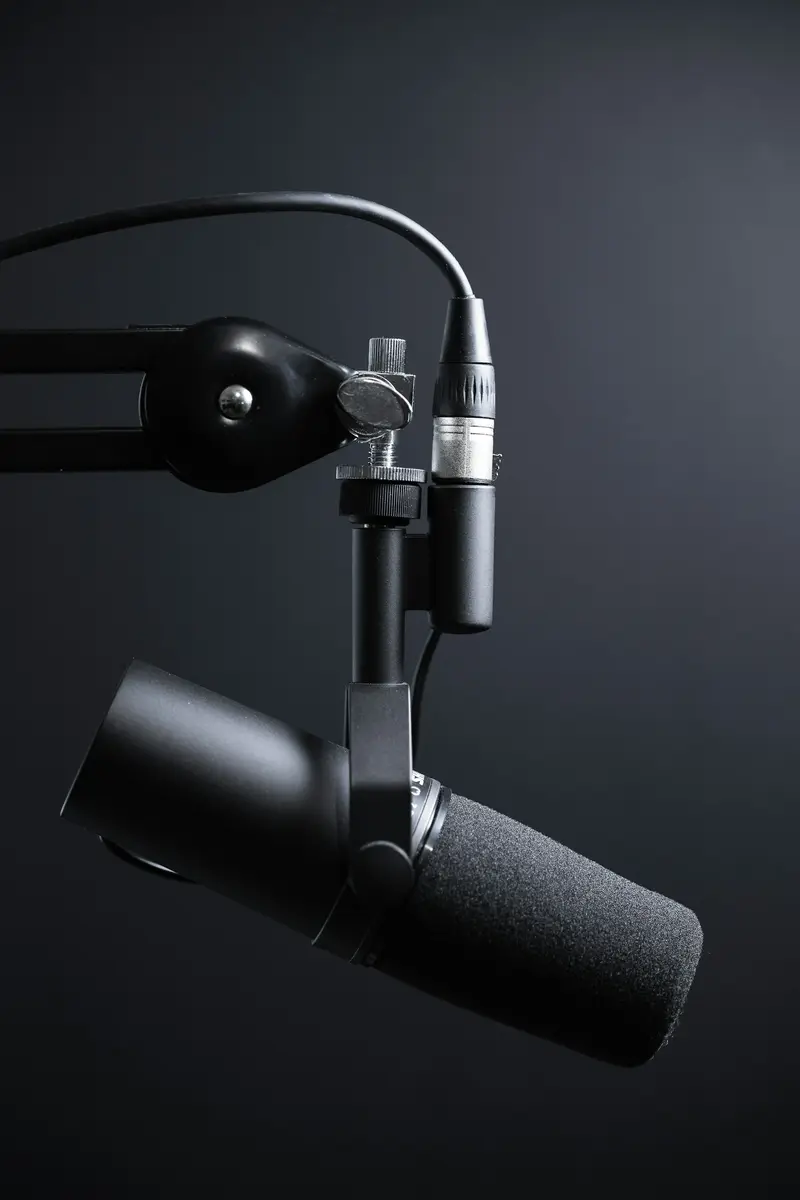 +6 dBStep 02
Record
Choose a microphone, check the level meter and press record. Pause whenever you want.
 MOV → MP4Step 03
Save
Press "Stop & save", listen back and download.
Music and instruments
Record ideas and practice takes with natural, unprocessed sound.

Test your mic
Check how your microphone sounds before a call or stream.

Sound effects
Capture sounds for videos and projects.
Frequently asked questions
Is my recording uploaded?
No. Recording and saving happen in your browser. Nothing is sent to a server, and the recording disappears when you close the page unless you download it.
The browser blocked my camera or microphone. What now?
Click the camera or lock icon in the address bar, allow access, and press start again. On phones, also check the browser's permissions in system settings.
How long can I record?
There is no fixed limit. Recordings are kept in memory until you save them, so very long recordings need a device with enough free memory.
What is voice clean-up?
Your browser's echo cancellation, noise suppression and automatic volume. It helps speech but can harm music, so it is off by default here.
Tools