Free · No signup · Nothing uploaded
Audio cutter
Trim any audio file to just the part you want. See the waveform, drag the handles, listen, and download.
Upload audio to cut
or drop a file here · MP3, WAV, M4A, OGG, FLAC or a video
Processed on your device. Nothing is uploaded.
Audio Cutter: free, private and right in your browser
Trim any audio file to just the part you want. See the waveform, drag the handles, listen, and download.
- Keep the selection, or cut it out and join the rest
- Visual waveform with exact times
- Preview only the selected part
- Optional fade in and fade out
- Save as MP3, WAV, M4A or OGG
- Processed on your device
How to use the audio cutter
 REC 00:42Step 01
Choose your audio
Select an MP3, WAV, M4A, OGG or FLAC file, or even a video.
 +6 dBStep 02
Pick the part to keep
Drag the handles under the waveform or type exact start and end times.
- MOV → MP4Step 03
Cut and download
Add optional fades, pick a format and click "Cut audio".
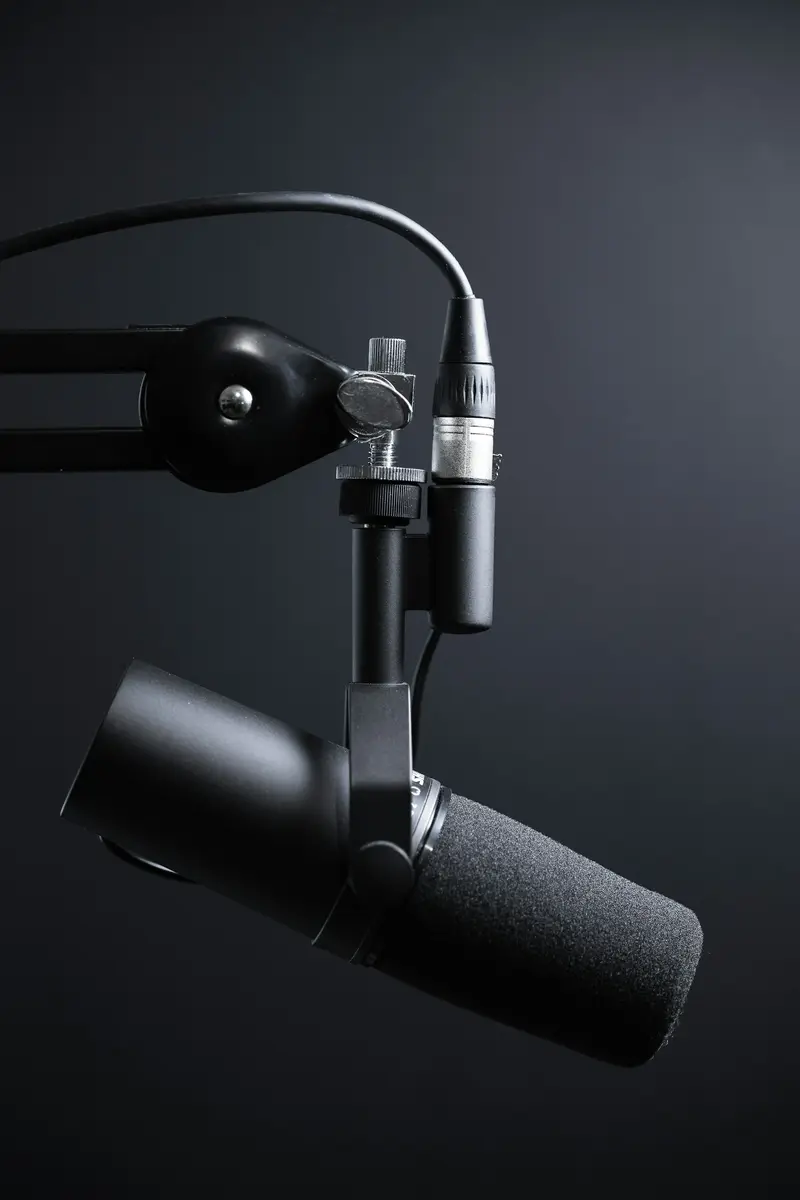
Ringtones
Cut the best 30 seconds of a song for your phone.

Podcast clips
Pull a highlight out of a long episode to share.

Clean up recordings
Remove silence or mistakes at the start and end of a voice note.
Frequently asked questions
Can I delete a section from the middle of an audio file?
Yes. Choose "Cut it out" under Selection, mark the part with Start and End, and the rest is joined together.
Are my files uploaded?
No. Everything happens in your browser using your own device. Your audio never leaves your computer or phone.
Which formats can I save as?
MP3, WAV, M4A (AAC) or OGG (Opus). MP3 works everywhere; WAV is uncompressed and perfect for editing.
How precise is the cut?
Times are shown to a tenth of a second and you can type them exactly. The waveform shows where the sound starts and stops.
Can I cut audio from a video?
Yes. Choose the video and you will get just the audio of the part you select.
Guides
Step by step
Tools