Free · No signup · Nothing uploaded
Change audio speed
Make audio faster or slower. Keep voices sounding natural, or let the pitch change for a chipmunk or slow-motion effect.
Upload audio to change its speed
or drop a file here · MP3, WAV, M4A, OGG, FLAC or a video
Processed on your device. Nothing is uploaded.
Audio Speed Changer: free, private and right in your browser
Make audio faster or slower. Keep voices sounding natural, or let the pitch change for a chipmunk or slow-motion effect.
- 0.5× to 2× speed
- Keep natural pitch or change it
- Shows the new length
- Save as MP3, WAV, M4A or OGG
- Processed on your device
How to use the audio speed changer
 REC 00:42Step 01
Choose your audio
Select a song, podcast or recording.
 +6 dBStep 02
Pick a speed
Choose a speed and whether to keep the pitch. The preview plays at that speed.
 MOV → MP4Step 03
Download
Click the button and save the result.
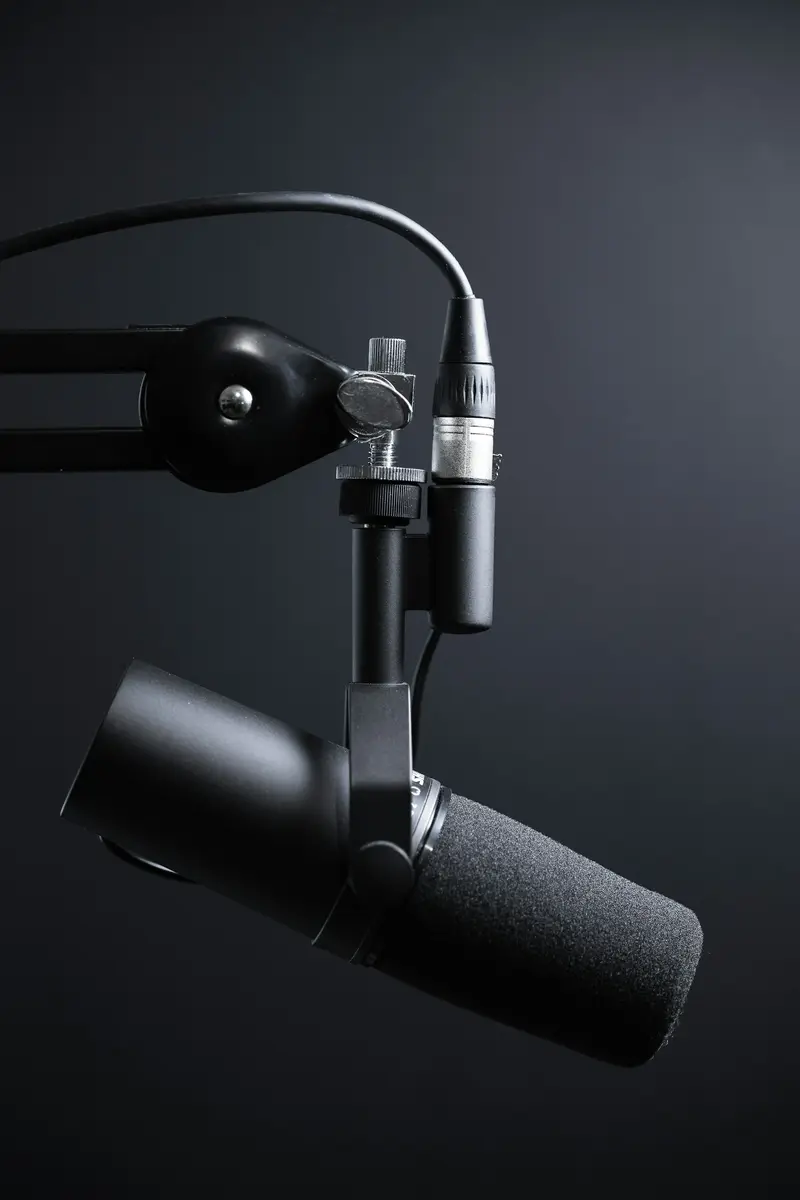
Listen faster
Speed up lectures, audiobooks or podcasts.
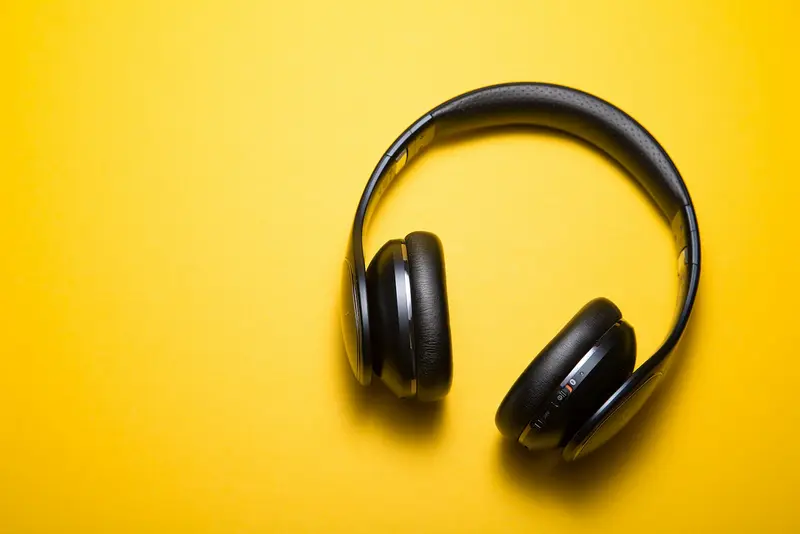
Practice music
Slow a song down to learn it, at the same pitch.

Fit a time limit
Make a voiceover a little faster to fit a video.
Frequently asked questions
Are my files uploaded?
No. Everything happens in your browser using your own device. Your audio never leaves your computer or phone.
Which formats can I save as?
MP3, WAV, M4A (AAC) or OGG (Opus). MP3 works everywhere; WAV is uncompressed and perfect for editing.
What does "keep natural pitch" mean?
Voices stay at the same pitch even though the speed changes. Without it, faster audio sounds higher and slower audio sounds deeper.
Is there a length limit?
Keeping the pitch works on files up to 20 minutes. Changing speed with pitch has no limit.
Tools